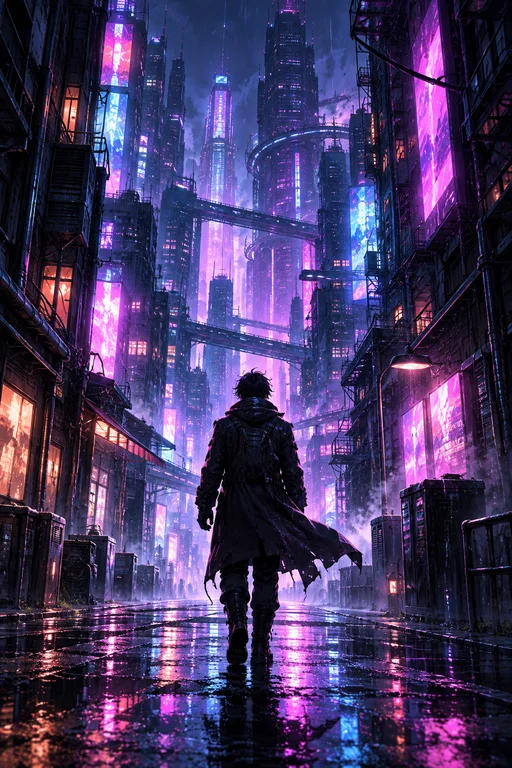
A deserted diner at 3 a.m. Neon buzz. One empty booth.
YouTube content creation
Create the next iconic story.
aempy helps people turn an idea into a cinematic YouTube narrative — using professional prompts to board the scenes, generate stills, and cut the video clips that carry the plot.
Door chime. A figure steps in. The camera holds too long.
Close-up: a notebook titled “Episode 1.” Cut to black.
From prompt to publishable scene
Professional prompts do the directing. You stay in the editor’s chair.
Write the story
Start with the YouTube video you want to make — hook, beats, ending. aempy shapes it into a scene-by-scene outline.
Lock the title and thumbnail
Package the click before you finish the cut — working titles and thumbnail frames that match the storyboard stills.
Record the voice over
Turn the script into a dry read — breaths, subtext, and timing the picture can cut to.
Board the scenes
Each beat becomes a storyboard panel: camera, action, and continuity — not a pile of generated stills.
Generate scene images
After the board is locked, each panel becomes a directed still — lighting, framing, and wardrobe matching the storyboard.
Cut video clips
Turn key scenes into motion — short clips you can sequence into the iconic story your audience remembers.
Design sound and music
Layer signature FX, room tone, and an underscore so the episode feels finished — not silent picture.
Track the whole project
Keep the episode on one board through description, captions, end screen, and publish — so you always know what is left.
Built for YouTube storytellers
Hooks that look like films
Open with a still or clip that feels directed, not stock — so viewers stay past the first three seconds.
Prompts with craft
Camera language, color, pacing, and character continuity are baked into every prompt, not left to chance.
A story, not a pile of assets
Storyboard panels and clips are built as scenes in sequence, so the episode holds together when you edit.
Your next iconic story starts with a scene.
Open studio and add only what this video needs — a title, a thumbnail, a board, or the full YouTube set if you want it.
Go to studio